Graphic Designing
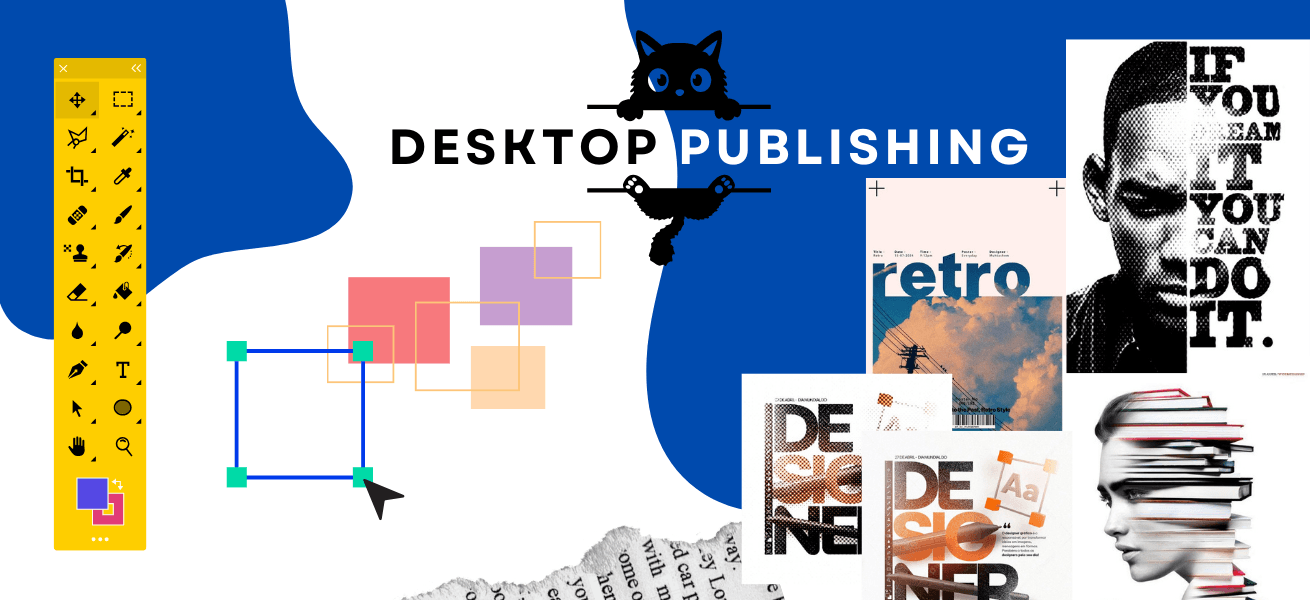
Learn the fundamentals of DTP software like Adobe InDesign, Illustrator, and Photoshop to create professional layouts and designs.
Graphic Designing
Computer Basics
Understand essential computer concepts including operating systems, file management, internet usage, and digital productivity tools.
Adobe Photoshop
Master photo editing, image manipulation, retouching, and creative design using Adobe Photoshop for digital and print media.
Adobe Illustrator
Create vector-based designs such as logos, icons, illustrations, and branding assets using Adobe Illustrator.
CorelDRAW
Design marketing materials, layouts, and print-ready graphics using CorelDRAW with industry-standard tools and workflows.
Request a Free Counseling / Demo
Share your details and our team will guide you with course, fees and career options.
Graphic Designing Certification Courses + Live Projects
Description: This course covers essential skills for designing brochures, flyers, magazines, and books using popular software like Adobe InDesign, Illustrator, and Photoshop.
Career Options:
- DTP Operator: Specializes in creating print-ready documents and publications.
- Graphic Designer: Works on a variety of visual content, from marketing materials to digital designs.
- Print Designer: Designs layouts specifically tailored for magazines, newspapers, and other print media.
Who Can Take This Course?
- Students: Interested in publishing or print media.
- Freelancers: Who want to offer DTP services to local businesses.
- Professionals: In the advertising or publishing industry looking to sharpen their design skills.